- Base URL: API endpoint URL of the format
https://api.<TENANT_DATA_CENTER>.<ENVIRONMENT>. For example,https://api.us44.app.wiz.io/graphql.- You can find this in your Wiz dashboard. At the top right of your Wiz portal, click the user icon > Tenant Info (direct link).
- Copy your API Endpoint URL.
- Client ID: OAuth2 based Client ID.
- Client Secret: OAuth2 based Client Secret.
Steps to obtain Wiz Base URL
- Navigate to your user profile and copy the API Endpoint URL.
Steps to obtain Client ID and Client Secret:
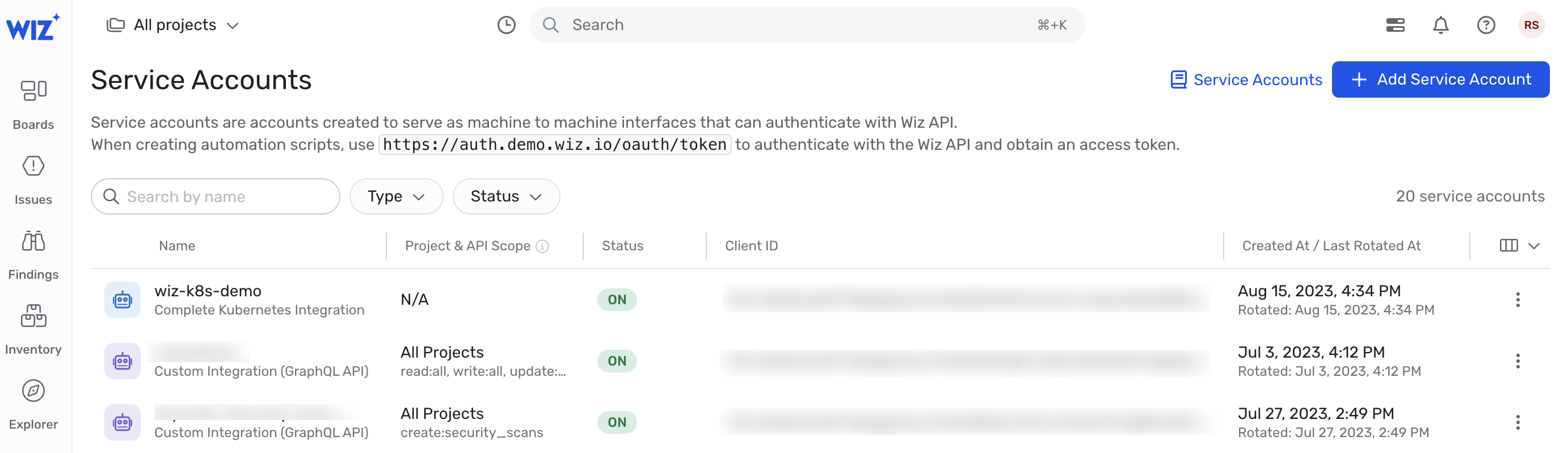
- In the Wiz dashboard Navigate to Settings > Service Accounts.
- Click Add Service Account.
- Name the new service account, for example: Leen CSPM Integration.
- If you desire, narrow the scope of this service account to specific projects.
-
Select the below permissions and click Add Service Account.
read:issuesread:controlsread:security_frameworksread:cloud_configuration_rule
read:cloud_configuration_rulelets Leen read the Rego behind controls built from a Wiz cloud configuration rule, which it returns as the rule’s logic. Tenants that only use Security Graph controls do not need it. -
Copy the Client ID and Client Secret.